Best SketchUp Rendering Plugins in 2026: Compared
SketchUp is the modelling tool most architects already know, and a rendering plugin is what turns its clean, flat models into photorealistic images. The problem is choice: V-Ray, Enscape, D5 Render, Lumion, Twinmotion, and a dozen smaller names all promise the same result, yet they differ wildly in price, speed, learning curve, and the quality they can reach. Pick the wrong one and you pay for a year of software your team never uses, or you spend weeks learning a tool that cannot do the job you bought it for. This guide compares the best SketchUp rendering plugins in 2026 on real criteria: price, quality, speed, ease of use, and the projects each one suits, so you can choose once and choose right.
What a SketchUp Rendering Plugin Actually Does
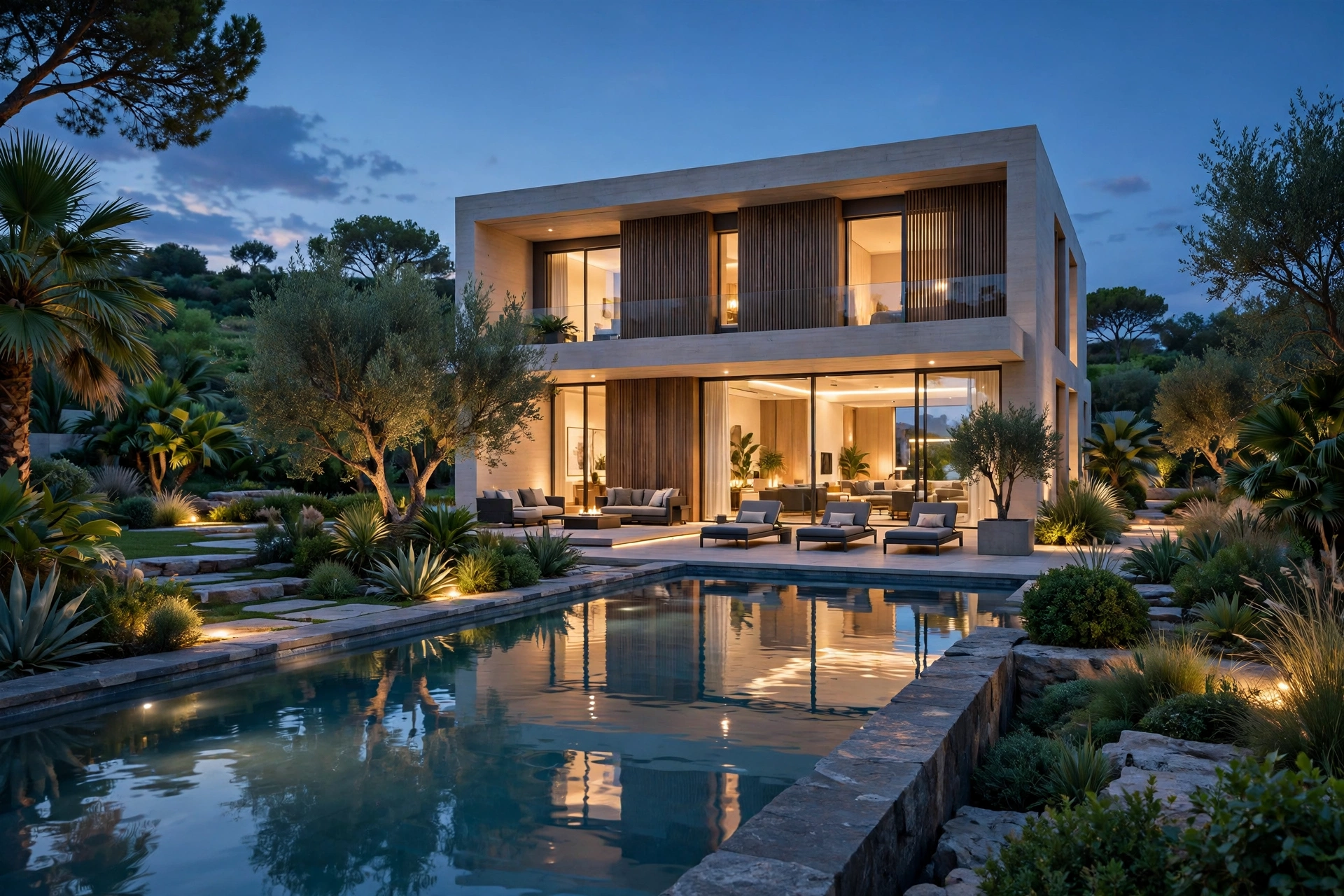
A SketchUp model on its own is geometry with flat colours. A rendering plugin reads that geometry and rebuilds it as a photograph: it adds real materials with texture, roughness, and reflection, places a sun and a sky that behave like the real ones, bounces light around the room, and then calculates the image pixel by pixel. Some plugins work inside SketchUp, while others open a linked window that updates the render view instantly when the model changes. The second type, called a live link or real-time renderer, is now the standard for client presentations, because the client can watch the design change live instead of waiting for a still image. A real-time plugin such as Enscape or D5 Render is built for speed, which makes it ideal for design reviews and early client meetings. A production renderer such as V-Ray is built for final quality, and it is the tool studios use when an image has to survive a client zooming in to check a material. Neither is better in general; many professionals run one of each. Our best rendering software guide compares the same tools as standalone products, and this guide focuses on how they behave as SketchUp plugins.
V-Ray for SketchUp: The Quality Benchmark
V-Ray, made by Chaos, is the plugin most professional visualization studios use when quality is non-negotiable. It runs inside SketchUp as a full renderer, with physically accurate materials, a huge library of real products, and lighting that handles daylight, artificial light, and reflections the way a camera would. Its Chaos Cosmos library gives you thousands of ready-made assets, and V-Ray Vision gives a real-time preview. In 2026 a V-Ray Solo licence costs around 470 dollars a year, and SketchUp Pro itself costs 399 dollars a year, so the pair is a serious but reasonable investment for a working architect. V-Ray rewards patience. The learning curve is the steepest on this list: a beginner can produce a decent image in a day, but the settings that make V-Ray images look photographic take weeks to learn properly. Our V-Ray for SketchUp beginner guide covers the settings that work out of the box. Choose V-Ray if you sell final images, need the highest quality, or work with a studio that already uses it. Do not choose it if you need a render within the hour, because that is a job for a real-time tool.
Enscape: The Fastest Way to a Client Meeting
Enscape, also owned by Chaos, is the plugin for architects who want a render without leaving SketchUp. It opens a second window beside your model and renders it live, so moving a wall in SketchUp moves it in the render at the same moment. The image quality is very good, though not quite at V-Ray level for close-up materials, and the asset library covers the furniture, people, and vegetation most presentations need. In 2026 Enscape Solo costs 574.80 dollars a year, including regular updates and the AI enhancer. Our Enscape vs Lumion comparison covers the two tools head to head. Enscape is the easiest plugin on this list to learn, which is why so many firms standardise on it. A new user can open the live window, place a camera, and export a presentable image within an hour, and the video export makes short walkthroughs simple enough to produce the same day. Material control is simpler than V-Ray, and large models can slow the live view on a modest computer. Choose Enscape if your main job is presenting designs to clients and winning approvals, and pair it with V-Ray later if you need hero images at the highest quality.
D5 Render: The Free Start That Grows With You
D5 Render is the fastest-growing name in this list, and the reason is simple: its Community edition is genuinely free, with no time limit, and it produces images that look close to Enscape quality. It works as a live-linked renderer for SketchUp, with a large asset library and real-time global illumination. The Pro edition costs around 360 dollars a year and adds the full asset library, higher resolution output, and commercial use rights, which makes it the cheapest serious option in 2026. D5 Render is the best first plugin for a small firm or a solo architect. The free tier lets you learn the workflow and produce real client images before spending anything, and the Pro upgrade is cheap enough to approve without a budget meeting. The trade-offs are a smaller asset library than V-Ray or Lumion, fewer material controls, and a community that is still younger than the established tools, so tutorials and troubleshooting answers are thinner. Choose D5 Render if you want the lowest cost of entry, or if you want to test whether real-time rendering fits your workflow before committing to a paid licence.
Lumion and Twinmotion: The Presentation Specialists
Lumion is the veteran presentation tool, and it still produces some of the most attractive images in archviz, especially for exteriors and landscapes. It works through a live link with SketchUp, and its strength is atmosphere: skies, weather, water, and vegetation that look great with very little tuning. The price is the highest on this list, with the standard edition starting around 1,700 dollars a year, which puts it out of reach for many small firms, Our Lumion beginner tutorial walks through a first render step by step. Twinmotion, made by Epic Games, is the budget alternative in this pair, and in 2026 it is free for projects with revenue under one million dollars a year, which covers most architecture firms. It is a real-time renderer with a strong library, good path-tracing quality for still images, and direct links to SketchUp and Revit. The interface is simpler than Lumion and the image quality is a step below it for hero stills, but for client walkthroughs, early design presentations, and competition boards it is more than enough. Choose Lumion if presentation quality and atmosphere are your priority and the budget allows it. Choose Twinmotion if you want a capable real-time tool at no cost.

How to Choose: Price, Hardware, and Your Real Workflow
The right plugin is the one that fits the work you actually do, not the one with the longest feature list. Start with your three most common jobs, then match the tool to the job, check the price, and check your hardware, because a weak graphics card will make even the best plugin feel slow.
- Best overall quality: V-Ray for SketchUp, around 470 dollars a year. Choose it for final hero images and studio-grade work.
- Best for client meetings: Enscape, 574.80 dollars a year. Choose it for live presentations and fast design reviews.
- Best value: D5 Render Pro, around 360 dollars a year, with a free Community tier. Choose it for a small firm or a first real-time tool.
- Best atmosphere and exteriors: Lumion, from around 1,700 dollars a year. Choose it when presentation polish justifies the price.
- Best free option: Twinmotion, free under one million dollars revenue. Choose it for walkthroughs and early presentations at no cost.
- Best budget stills: SU Podium, around 200 dollars one-time. Choose it for simple, reliable images without a subscription.
Before you buy, use the trial. Every paid plugin on this list offers a free trial of 14 to 30 days, and a week of real project work tells you more than any review. Test it on your own model and your own computer, and check three things: image quality, smooth performance on your hardware, and how fast your team learns it. Our turnaround guide shows how plugin choice affects delivery time.
Frequently Asked Questions
What is the best SketchUp rendering plugin in 2026?
There is no single best plugin. V-Ray leads on final image quality, Enscape on live presentations, D5 Render on value, and Twinmotion as a free real-time tool. Choose by your main job, not by a ranking.
How much does a SketchUp rendering plugin cost?
In 2026, D5 Render Pro costs around 360 dollars a year, V-Ray around 470, Enscape 574.80, and Lumion from around 1,700. Twinmotion is free under one million dollars revenue, and D5 Render has a free tier.
Can I render in SketchUp without a plugin?
SketchUp on its own produces flat, unlit images. You need a rendering plugin, or an export to a standalone renderer such as Blender, for photorealistic light, materials, and shadows.
Which plugin is easiest for a beginner?
Enscape and D5 Render are the easiest to learn, with most users producing presentable images within a day. V-Ray takes longer to master but rewards the effort with the highest quality.
Do I need a powerful computer to run these plugins?
Real-time plugins need a dedicated graphics card with at least 8 gigabytes of memory. V-Ray can run on a weaker machine but renders more slowly.
Can I use more than one rendering plugin?
Yes, and many professionals do. A common pair is Enscape or D5 Render for live presentations and V-Ray for final hero images.
The best SketchUp rendering plugin is the one your team will actually use on your real projects. Start with a free trial, test it on your own model and your own computer, and judge it on image quality, speed, and learning curve. If you would rather skip the software decision, send us your SketchUp model and we will return photorealistic images with a fixed quote and a timeline.
Written by
Architecture Designing Team
3D Visualization Studio